01
Select
Choose your plan
Choose 1, 6 or 12 months and select the number of simultaneous connections you need.

Prices are temporarily unavailable. Please try again.
Choose a duration, confirm compatibility on your Smart TV, Fire TV or Android TV device, and complete payment only after the guided setup is checked.




























Choose 1, 6 or 12 months and select the number of simultaneous connections you need.
Share your device details on WhatsApp and our team guides the player app and account setup.
Complete the agreed payment only after the setup has been checked with you and is ready to use.
Choose 1, 6 or 12 months. Every plan includes the same streaming access, guided device setup, one-year player app activation (
One month of flexible access with guided setup.
Six months with a lower effective monthly cost.
Twelve months for the strongest long-term value.
Test it on your device for
Clear device checks, flexible subscription durations and support before payment—without automatic contracts or unclear setup promises.
How ConnectDigiTv works and why setup is checked before payment.
Confirm that a suitable player is available for your Smart TV, Fire TV or streaming device before completing payment.
Test the service using your own device and broadband connection before choosing a longer subscription.
Every plan is a one-time purchase. Continue only when you decide to renew.
Get help choosing a compatible player and checking the setup before payment.
Ask about Smart TV, Fire TV, Android TV, player apps and account setup in one direct conversation.
Our team guides the setup first. Payment is completed only after the device and account details have been checked with you.
Clear steps for Samsung and LG Smart TVs, Fire TV, Android TV, phones, computers and compatible player apps. See the device setup guides or contact setup support.

Quick answers about UK IPTV plans, compatible devices, setup before payment, simultaneous connections, player activation, service limitations and refunds.
Open full FAQAlready have a compatible IPTV player on your Smart TV, Fire TV or streaming device? Request a 1-year or lifetime licence after support checks the app name and device identifier. This activates the player only; no IPTV subscription, channels or playlist are included.
Follow clear instructions for compatibility, installation and connection quality.
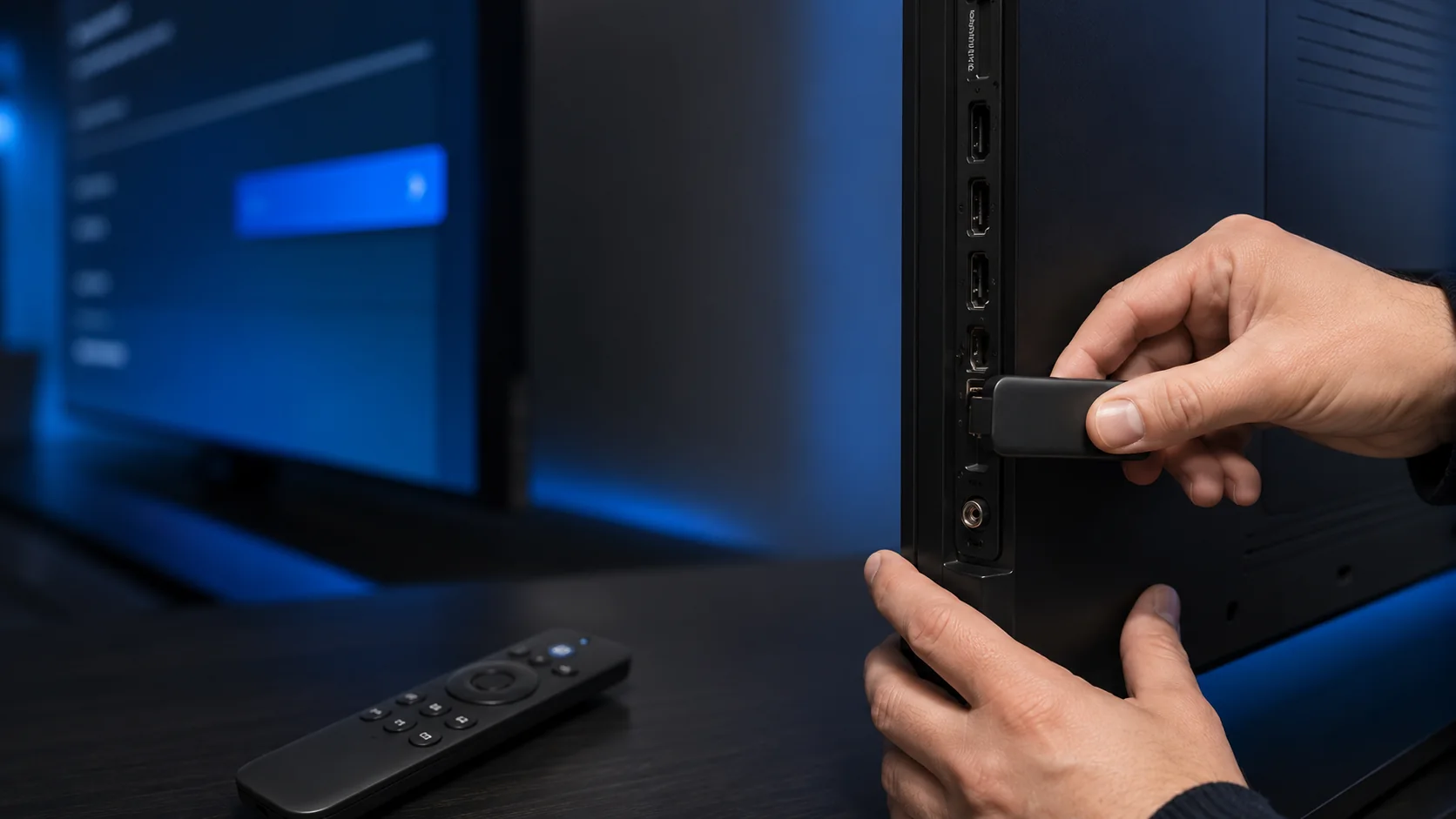
Install a player from the Amazon Appstore or use Downloader with an official IBO Player or BOB Player source.
Read guide →
Samsung, LG, Google TV, Android TV and Fire TV instructions with real interface examples.
Read guide →
Compare HD and 4K targets, household demand, Wi-Fi quality and Ethernet.
Read guide →Prefer to check the service on your own setup? Test the service for 48 hours.